An n8n ai agent fits when your business process has clear steps, familiar integrations and manageable exceptions. Custom code fits better when the agent needs complex state, strict testing or unusual system behavior. The decision is not which approach looks easier in a demo. It is which one your team can operate safely.
A common pattern: a customer asks an assistant to change a booking, but the calendar is unavailable. The assistant must decide whether to retry, ask a human or offer another path. The happy path is simple; the exceptions are harder.
This guide is for owners, operators and technical leads choosing how to build an agent. I will cover workflow tools, custom code, approvals, failure handling and maintenance.
What is an n8n AI agent, and how does it work?
An n8n agent is an AI component inside a workflow. Instead of generating responses alone, it can use connected tools to retrieve information or request actions.
According to the n8n AI Agent node documentation, an agent works with a chat model and connected tools. Memory can also be configured.
The main components have different responsibilities:
- Chat model: Interprets requests and generates responses.
- Tools: Access operations such as retrieving records or requesting bookings.
- Memory: Supplies conversational context when configured.
- Workflow: Connects triggers, tools and business systems.
- Human handoff: Provides a route when someone should take over.
These components do not automatically make an agent reliable. A model may misunderstand a request, or a tool may fail. The workflow must define what the agent can do and what happens when an action cannot be completed.
I built an AI voice agent for service businesses whose booking flow is orchestrated through n8n. It includes a human-handoff path and a voicemail-plus-callback fallback. I describe it in the AI voice agent case study.
That build shows how a workflow tool can coordinate an agent without making every decision independently.
When does a workflow tool fit better than custom code?
A visual workflow tool fits when a process can be described as connected steps.
Picture a service business receiving an inquiry. The process identifies the request, checks information, updates a system and notifies the appropriate person.
A visual flow makes those connections easier to inspect.
Its advantages include:
- Visible execution: Teams can follow requests through connected steps.
- Existing connectors: Common SaaS integrations reduce custom integration work.
- Fast adjustments: Straightforward routing changes can be made within the workflow.
- Shared understanding: Operators can understand processes without reading application code.
- Clear boundaries: Approval points and fallback paths can be represented explicitly.
These advantages matter when processes change regularly or non-developers need operational visibility.
But visual does not mean simple.
A workflow can become difficult to maintain when it accumulates branches, repeated logic and hidden dependencies. A large diagram may be harder to review than a structured software module.
I would describe the business process before opening the editor.
What triggers it? What information does it need? What can it change? What happens when something fails?
If the answers are clear and integrations are conventional, a workflow tool is a reasonable starting point.
When should you write custom code instead?
Custom code fits when controlling behavior is harder than connecting systems. Complex state, concurrent actions and detailed business rules can make visual workflows difficult to maintain.
I would consider custom development for:
- Complex state: Shared records and dependent decisions.
- Detailed testing: Extensive automated tests for business rules.
- Unusual integrations: Behavior existing connectors cannot support.
- Performance: Predictable execution or specialized optimization.
- Data boundaries: Specific processing and access requirements.
- Code review: Version control and structured release practices.
Custom code offers control, but someone must maintain its dependencies, deployment, tests and monitoring.
A hybrid approach is also possible. The n8n Code node runs code inside workflows. More complicated logic can live in a separately maintained service while n8n handles orchestration.
For owners comparing n8n vs custom code, I use this table:
| Factor | Workflow tool (n8n) fits when… | Custom code fits when… |
|---|---|---|
| Visibility | Visual execution helps operators. | Modules and tests explain behavior. |
| Integrations | Existing connectors suffice. | Specialized connections are required. |
| Change speed | Simple steps change frequently. | Changes need controlled releases. |
| Testing | Workflow checks cover risks. | Extensive automated tests are needed. |
| State/complexity | State and branches are manageable. | State or concurrency is complicated. |
| Data control | Configuration meets requirements. | Specialized controls are necessary. |
| Team skills | Teams maintain visual workflows. | Developers own and review code. |
| Maintenance | Teams support platform operations. | Teams maintain code and infrastructure. |
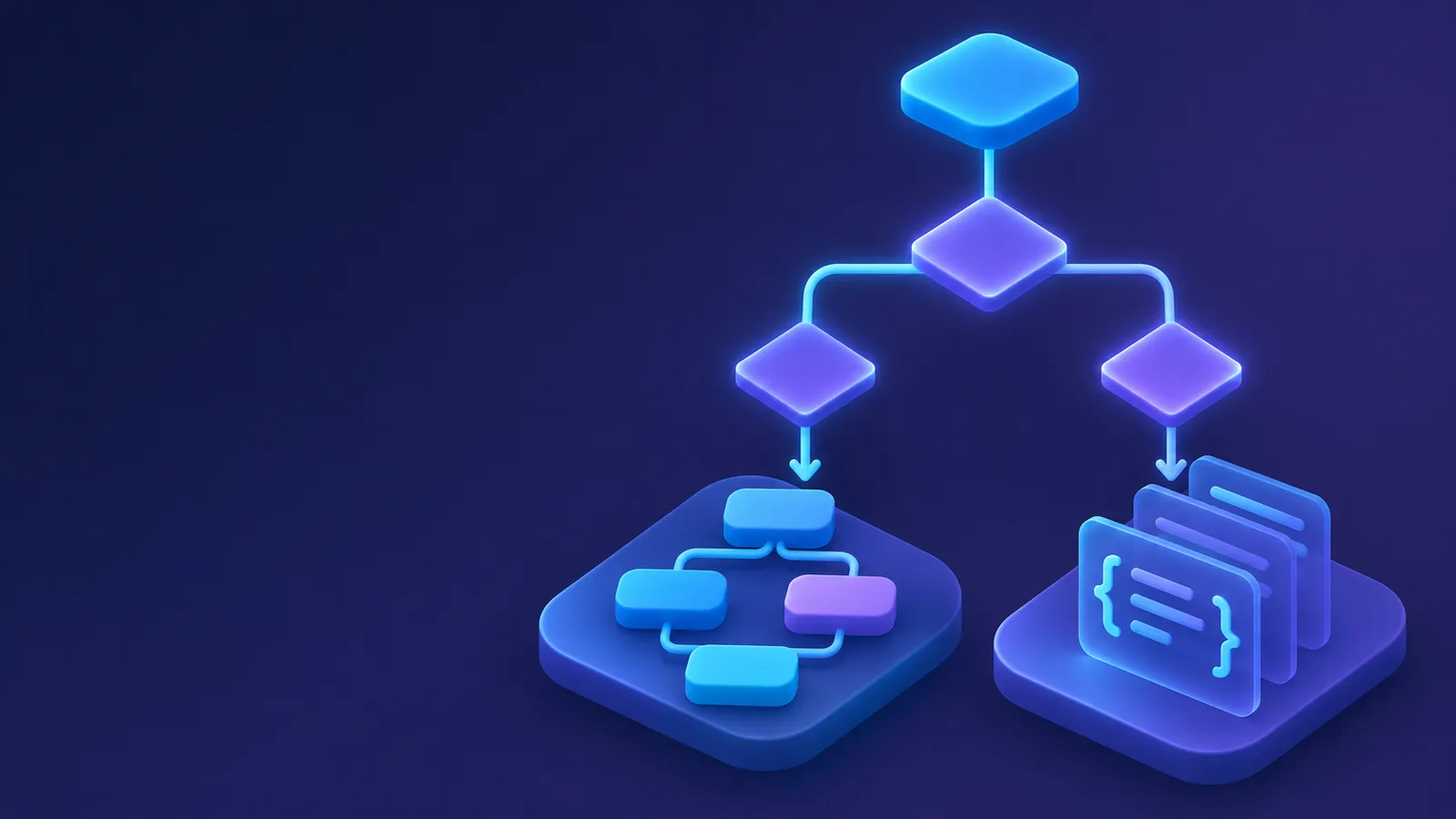
Neither approach wins by default. I would choose based on the process, the team and the consequences of failure.
Deciding how to build your first agent workflow?
I can review your process and help identify important boundaries before anything is built.
How do you keep a human in control of risky agent actions?
An agent should not receive permission to perform every action simply because an integration supports it.
Reading an appointment differs from cancelling it. Drafting a response differs from sending it.
I define permissions around business actions and their consequences.
The n8n human-in-the-loop documentation explains how human approval can be required before an AI Agent executes specific tools.
A human in the loop ai agent can follow this sequence:
- Prepare: Identify the requested action and gather information.
- Check: Determine whether approval is required.
- Present: Show a reviewer the proposed action.
- Decide: Let the reviewer approve or reject it.
- Execute: Proceed only when approval is present.
- Record: Retain the decision and execution status.
Approval does not replace limited permissions. The agent should access only the tools and information needed for its job.
The workflow also needs a path when approval is rejected or nobody responds.
Human review is useful when a request is ambiguous, a customer is upset or an action is difficult to reverse. A person may understand the situation better than the model.
The goal is to retain human control over consequential decisions, not approve every harmless step.
What should happen when an agent workflow fails?
An agent workflow needs a failure path before it needs a polished demonstration.
A model request might fail, a service might become unavailable or a tool might return incomplete information. An action might also succeed while a later step fails.
The n8n error handling documentation describes how error workflows respond to failed executions.
I would define:
- Failure type: Identify missing data, connectivity problems or unexpected output.
- Retry safety: Determine whether repetition could create unwanted changes.
- Execution state: Establish whether the previous operation completed.
- Escalation: Assign someone to handle unresolved failures.
- Customer communication: Explain what happens while requests remain incomplete.
- Recovery: Provide a way to resume the process.
Retries deserve care.
Repeating a read-only request may be reasonable. Repeating a booking change without checking its status could create a duplicate.
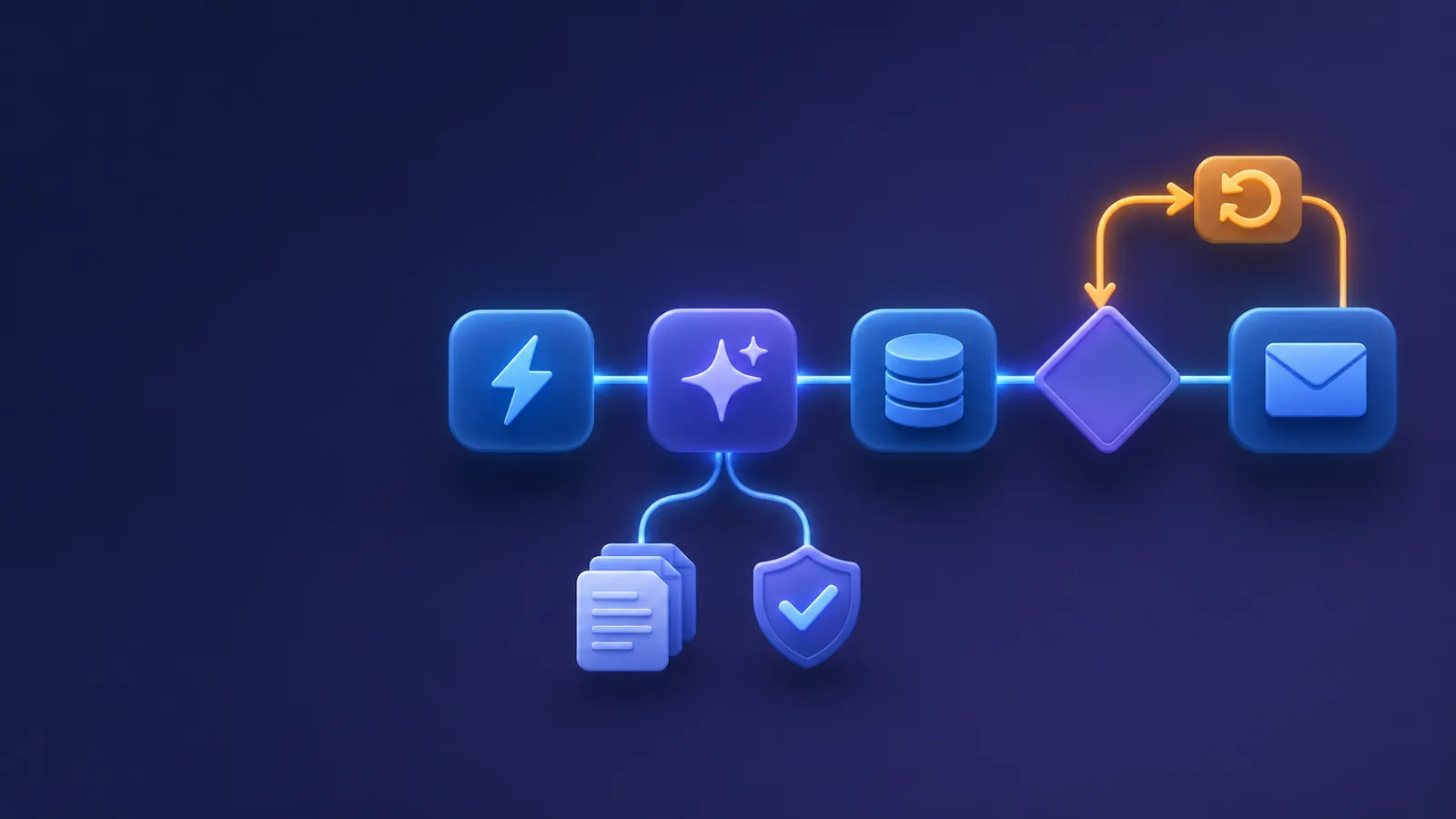
Logging should record workflow steps, tool responses, approvals, failures and final status without unnecessarily exposing sensitive information.
I cover broader operational concerns in my field notes on running AI agents in production.
My test is whether an operator can understand what happened without relying on the agent’s explanation.
How should you choose hosting and data control?
Hosting affects who maintains the platform and manages its environment.
The n8n hosting documentation describes self-hosting as an available option.
When comparing cloud hosting with self-hosted n8n, I separate convenience from responsibility.
Managed cloud hosting may reduce infrastructure work, but businesses must still understand permissions, configuration, data handling and provider responsibilities.
Self-hosting gives the team direct responsibility for updates, backups, recovery, monitoring, secrets and infrastructure security.
It also does not automatically mean all information stays inside your environment.
If an agent sends information to an external model or business application, that service remains part of the data flow.
Before selecting hosting, I would map where information enters, where it is processed and which services receive it.
Then I would assign ownership for maintenance and recovery.
A business without infrastructure support may struggle with self-hosting. A technically equipped team with specific environment requirements may find it appropriate.
Neither approach removes the need for access controls or operational oversight.
What should you check before choosing an architecture?
I use this checklist to choose a workflow tool, custom code or a hybrid.
- Process clarity: Can I describe the trigger, actions and outcome?
- Integration fit: Do existing connectors support required operations?
- State requirements: Does the process need complicated state?
- Permissions: Can the agent access only what it needs?
- Human approval: Which actions require review or handoff?
- Failure recovery: Is there a path for incomplete operations?
- Retry behavior: Can the system avoid duplicate actions?
- Testing: Can the architecture support necessary tests and reviews?
- Data handling: Where does information travel, and who can access it?
- Maintenance: Who owns updates, backups, logs and incident response?
- Future changes: Can the team maintain evolving requirements?
Clear permissions and recovery matter more than appearance.
The architecture can evolve. Specialized logic can move into code while workflows handle orchestration.
For businesses exploring AI agents and automation services, I would start with the process, not the platform.
NextCTL offers workflow automation services for connecting systems and designing workflows.
The question is who can maintain and recover the system after deployment.
Key takeaways
- Visual workflows fit clear processes with familiar integrations and manageable exceptions.
- Custom code fits complex state, specialized integrations and extensive testing.
- Hybrid designs combine visible orchestration with maintained application logic.
- Human approval, permissions and failure handling matter regardless of architecture.
- Hosting choices should reflect data requirements and maintenance capacity.
If you want a second opinion on whether a workflow tool or custom code fits your process, Book a conversation. You can also subscribe to The Production Notes using the signup box below this post for practical notes on building and operating AI systems.
FAQ
Can n8n build an AI agent without custom code?
Yes. n8n provides an AI Agent node that can work with a chat model and connected tools inside a workflow. You can build useful processes without writing a complete custom application. However, the workflow still needs careful configuration, permissions, testing and failure handling. Complex business rules may justify adding code or a separate service.
Is custom code more reliable than n8n for AI agents?
Not automatically. Reliability depends on how the system handles errors, state, permissions, retries and operational monitoring. Custom code provides more direct control over implementation and testing, but developers must build and maintain those controls. A well-designed visual workflow can be more dependable than poorly maintained custom software, and the reverse can also be true.
Can I require human approval before an n8n agent uses a tool?
Yes. n8n documents a human-in-the-loop mechanism that can require approval before an AI Agent executes selected tools. This is useful for actions such as changing important records or sending consequential communications. You still need to decide which actions require review, who can approve them and what happens when approval is rejected or unavailable.
Should a small business use cloud hosting or self-host n8n?
The right choice depends on your team’s infrastructure skills, data requirements and maintenance capacity. Cloud hosting may reduce direct infrastructure work, while self-hosting gives your team responsibility for operating the environment. Either approach needs attention to permissions, external integrations, logs and recovery. Map your data flow and assign operational ownership before deciding.